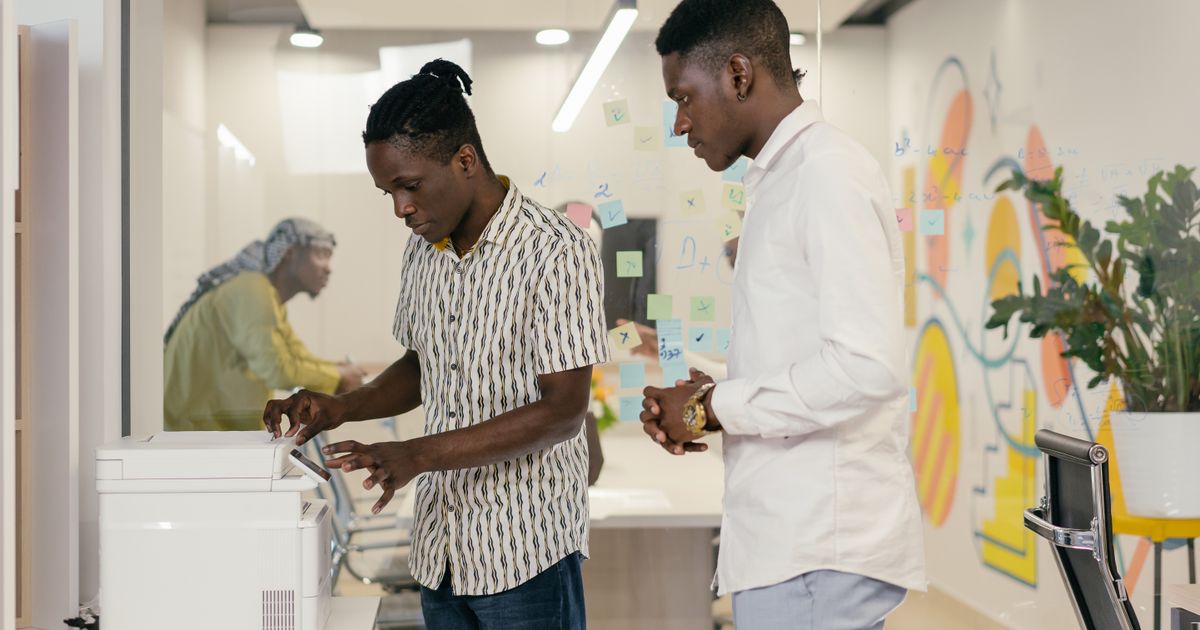
Digitising company mail: hardware, OCR and software (a practical guide)
Which scanner to choose, what OCR really is, which DMS software, and how to build a scan station that holds up. The tooling guide, with concrete budgets.
The process first, then the tool
Digitising company mail is decided in two stages. First the organisation: who opens, who files, who gets the alert. That is the topic of our article on the inbound mail digitisation workflow for SMEs. Then the tooling: which scanner, which OCR, which software. That is this guide, entirely hands-on.
Three families of hardware and two software layers are enough to cover 95% of a Belgian SME's needs. It all fits within a starting budget of €300 to €1,500, cloud subscriptions aside. Let's walk through each building block.
The scan station: choosing the right hardware
Three device types, three uses:
- The flatbed scanner: a glass plate and a lid. Ideal for fragile, stapled, bound or damaged items, but slow (one page at a time). Budget €60 to €200. Reserve it for low volumes or delicate documents.
- The sheet-fed document scanner (ADF): an automatic feeder swallows a stack of sheets. This is the choice for mail. Look for three specs: an ADF feeder of at least 50 sheets, single-pass double-sided (duplex) scanning, and a speed of 25 to 40 pages per minute (ppm). Budget: €250 to €600 for an office-grade model (ScanSnap, Brother ADS, Canon imageFORMULA, Epson WorkForce).
- The multifunction printer (MFP): it scans too. Handy if you already own one, but often slower and less reliable on thick stacks. Fine for 20 to 30 items a day, insufficient beyond that.
Simple rule: below 30 items/day, an existing multifunction printer will do. Above that, a dedicated ADF duplex scanner pays for itself within a few weeks of saved time. For ID cards and small formats, a spare flatbed remains useful.
OCR, explained simply
OCR (optical character recognition) turns the image of a page into searchable text. Without OCR, a PDF is just a photo: you cannot search it for an invoice number or a supplier name.
Two concepts to remember:
- The searchable PDF: the original image is kept, and an invisible text layer is added on top. You see the document as it is, but you can run a full-text search and copy the content.
- PDF/A: a standardised variant (ISO 19005) designed for long-term archiving. Fonts are embedded, nothing depends on an external resource: the file stays readable ten years from now. It is the recommended format for anything you must keep, notably invoices (7 years in Belgium).
For good accuracy, three habits: scan at 300 dpi (see below), select the FR and NL languages in the OCR engine — Belgian mail often mixes both — and avoid coloured or crumpled backgrounds. A modern engine exceeds 98% recognition on a clean 300 dpi document; it drops fast on a pale fax or a smartphone photo.
The software layer: DMS, cloud and connectors
The scanner produces files; they still need to be filed and used. That is the job of the software layer, in three levels:
- Simple cloud storage (Google Drive, OneDrive, Nextcloud): enough to start, with well-named folders. Cheap, but no workflow or metadata.
- The DMS (document management system): a real indexing system. It captures metadata, applies OCR automatically, manages access rights, retention periods and advanced search. Open-source solutions like Paperless-ngx (self-hosted, free) fit an SME very well; SaaS offers run €20 to €80/month per user.
- Business connectors: the real gain comes from integration with your accounting (Odoo, Yuki, Exact, Winbooks), your CRM or your invoicing tool. A scanned invoice, read by OCR, flows straight into a draft accounting entry. Look for software that exposes an API or standard exports (PDF/A + XML metadata).
Important GDPR note: mail contains personal data. If you go cloud, favour hosting in Belgium or the EU and check the provider's commitments. Self-hosting keeps everything in-house, at the cost of a little maintenance.
The naming and indexing convention
This is the step everyone neglects, and the one that separates a usable archive from a PDF graveyard. Adopt a stable, readable scheme from day one. A proven template:
- YYYY-MM-DD_Type_Sender_Reference — for example 2026-06-12_Invoice_Proximus_INV4471.
The principles:
- Date first in YYYY-MM-DD format: chronological sorting happens on its own.
- A short, standardised type: Invoice, Contract, Registered, Tax, HR.
- The sender followed by a unique reference (document number).
In a DMS, these elements become metadata (fields) rather than a filename, which enables filtering and views. The sorting and routing that follow capture deserve their own method: see our guide on inbound mail handling, sorting and indexing.
Resolution and quality: the right settings
The default setting delivers 80% of the result:
- Resolution: 300 dpi in black and white or greyscale for text. This is the standard: sharp enough for OCR and archiving, without huge files. Go to 400-600 dpi only for small-print documents or plans.
- Colour only when it carries information (stamps, logos, highlights). Otherwise, greyscale keeps files light.
- PDF/A format for the archive, enable blank-page removal and auto-deskew to save time.
- Clean the flatbed glass and the ADF rollers regularly: a vertical streak on every scan always comes from there.
Do it yourself or outsource
Two legitimate routes, depending on volume:
- In-house: you invest in an ADF scanner and software, and one person scans every morning. Full control, low marginal cost, but dependent on a human routine.
- The SaaS or bureau scanning service: a provider receives your mail, scans it and drops it into an interface. You never touch paper again. Same logic as the digital mailbox described in our guide to company mail management in Belgium. Convenient for multi-site teams or executives on the move.
Many SMEs combine both: outsource the routine flow, scan urgent or confidential items in-house. On the evidential value and legal archiving of digitised documents, read our dedicated article on the dematerialisation of inbound mail, legal value and archiving.
A starter shopping list
A realistic starter kit for an SME handling 20 to 60 items/day:
- ADF duplex scanner, office-grade, 25-40 ppm: €250 to €600.
- Spare flatbed scanner for fragile items: €60 to €150 (optional).
- DMS software: Paperless-ngx self-hosted (€0) or SaaS (€20 to €80/month/user).
- Storage / backup EU-compliant: a few euros per month.
- Half a day to define the naming convention and document types.
Total starting budget: €300 to €1,500 in hardware, then €0 to €100/month in software depending on cloud or self-hosted.
Summary
Hardware is no longer the obstacle: an ADF duplex scanner at 300 dpi, a multilingual FR/NL OCR and a PDF/A export cover the essentials. The real value lies in the software layer — indexing, accounting connectors — and in a naming convention upheld from day one. Start small, measure the time saved, then automate. To scope your project or integrate it into your mail chain, contact the Bjet24 team.
Frequently asked questions
Which scanner should I choose to digitise company mail?
For mail, favour a sheet-fed document scanner (ADF) with an automatic feeder of at least 50 sheets, single-pass double-sided scanning and a speed of 25 to 40 pages per minute. Budget €250 to €600 for a reliable office model. Below 30 items a day, an existing multifunction printer may suffice. Keep a small flatbed scanner for fragile, stapled items or ID cards.
What resolution should I use to scan mail?
300 dpi is the standard for text: sharp enough for reliable OCR and archiving, without producing overly large files. Scan in black and white or greyscale by default, and reserve colour for documents that carry visual information (stamps, logos, highlights). Only go to 400 or 600 dpi for documents with very small print or technical drawings.
What is the difference between a searchable PDF and a PDF/A?
A searchable PDF keeps the scanned image and adds an invisible text layer from the OCR: you can search and copy the content. PDF/A is an archiving standard (ISO 19005) where all fonts and resources are embedded in the file, guaranteeing long-term readability. To archive mail kept for several years, notably invoices retained 7 years in Belgium, favour PDF/A.
Which mail scanning software should an SME choose?
It all depends on volume. To start, well-organised cloud storage is enough. To index, apply OCR and manage rights, a DMS like Paperless-ngx (open source, self-hosted, free) is excellent for an SME; SaaS solutions cost €20 to €80/month per user. The decisive criterion is the presence of connectors to your accounting (Odoo, Yuki, Exact, Winbooks) or an API to automate the invoice flow.
Does OCR correctly recognise a bilingual Belgian letter?
Yes, provided you enable the French and Dutch languages in the OCR engine, since Belgian mail often mixes both. On a clean document scanned at 300 dpi, a modern engine exceeds 98% recognition. Accuracy drops on pale faxes, smartphone photos, or coloured and crumpled backgrounds. Good lighting, a clean glass plate and auto-deskew significantly improve the result.
Ready to send a letter?
Send a letter or registered mail in minutes — no printer, no post office.
Related articles
Inbound mail processing: sorting, indexing and automatic routing
Receiving and scanning mail is only half the job. The real gain comes from processing: sorting, indexing and routing every item to the right person and tool, on time.
Business mail management in Belgium: the complete 2026 guide
Receiving, sorting, processing, digitizing, archiving, sending: the reference guide to organise your Belgian company's mail management end-to-end, with costs, models and a starter checklist.

Automate office mail management in Belgium: which solutions to pick in 2026
Digital mailbox, DMS with OCR, hybrid mail via API or all-in-one: here are the four families of tools to automate office mail management in Belgium, plus the objective criteria to choose.
Comments (0)
Loading comments…